> ## Documentation Index
> Fetch the complete documentation index at: https://docs.withampersand.com/llms.txt
> Use this file to discover all available pages before exploring further.
# Access via API key
## Using the API
All API endpoints require authenticated access via an API key passed as a header `X-Api-Key`: your Ampersand API key.
If you don't have one yet, create as many as you'd like on the Ampersand Dashboard's [API Keys page](https://dashboard.withampersand.com/projects/_/api-keys).
## Creating and Viewing API Key
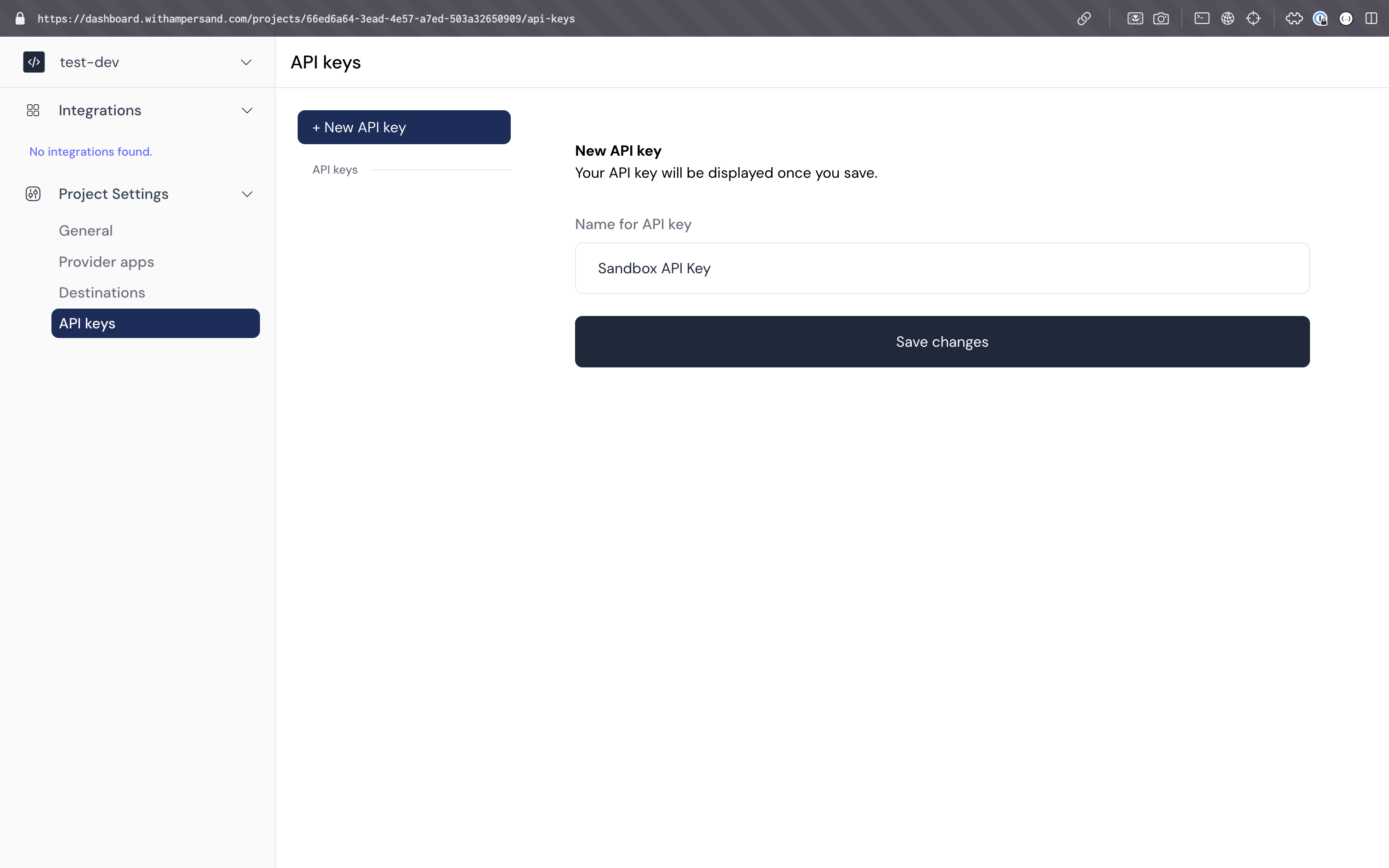 1. Go to the [API Keys page](https://dashboard.withampersand.com/projects/_/api-keys) on the Ampersand Dashboard.
2. Click on the "New API Key" button.
3. Give your API key a descriptive name and click on the "Save Changes" button.
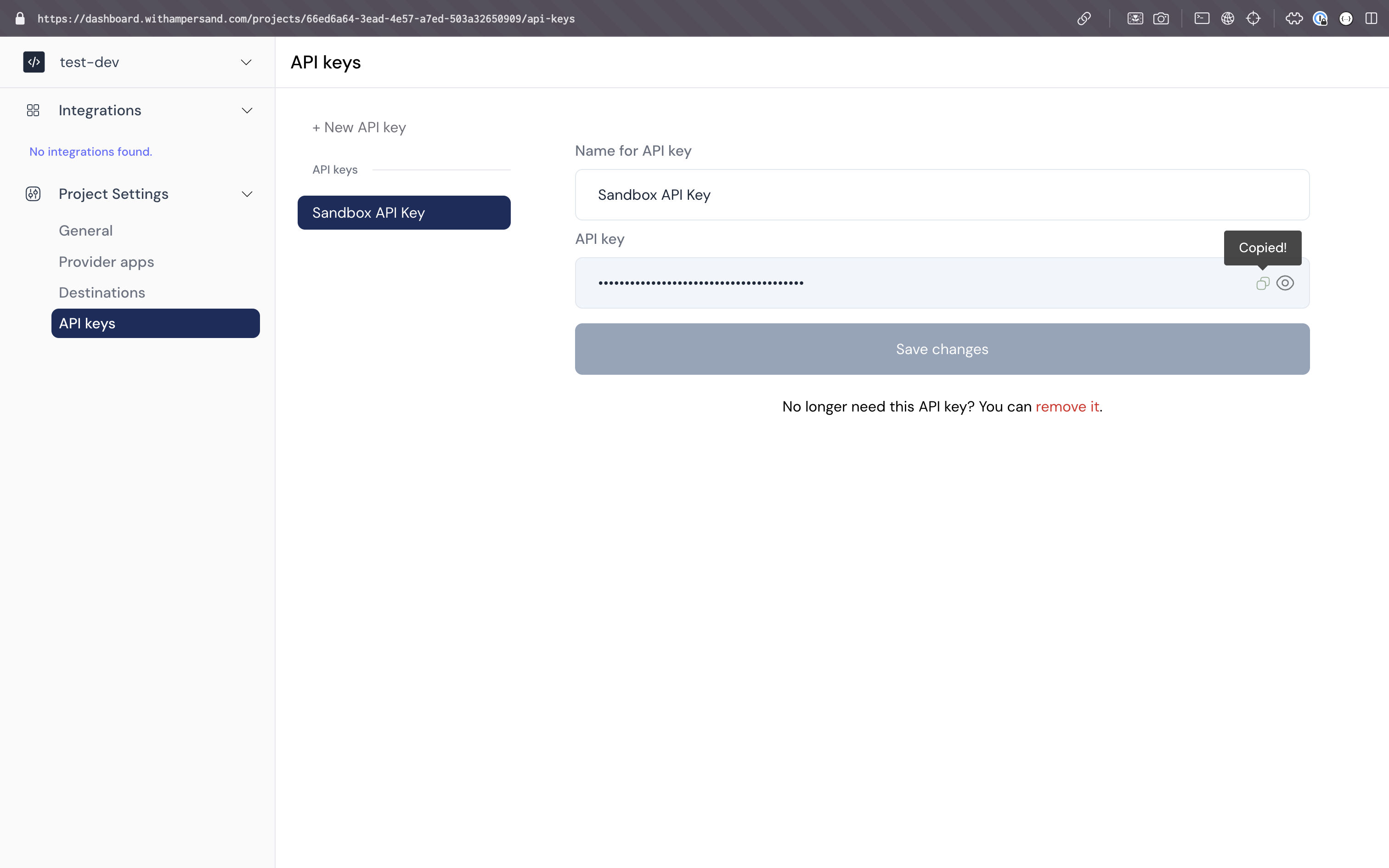
4. Your API key will be generated. You can view it by clicking on the button with the name of the key.
1. Go to the [API Keys page](https://dashboard.withampersand.com/projects/_/api-keys) on the Ampersand Dashboard.
2. Click on the "New API Key" button.
3. Give your API key a descriptive name and click on the "Save Changes" button.
4. Your API key will be generated. You can view it by clicking on the button with the name of the key.